1. Preserving Types Across CSV, Excel (.xlsx), JSON, YAML & XML
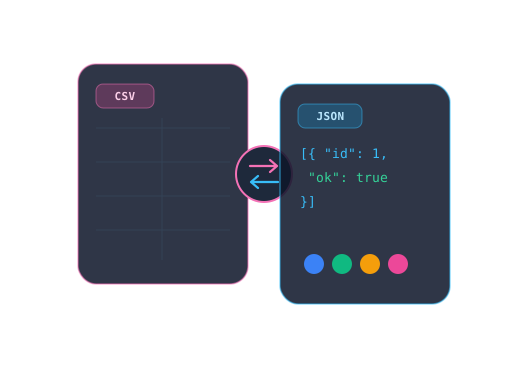
Every interchange format encodes structure differently. JSON separates numbers, booleans, arrays, and objects explicitly (RFC 8259), whereas CSV (RFC 4180) treats every cell as plain text unless inferred—and opening raw UTF-8 CSV directly in Excel can strip leading ZIP zeros or corrupt accented characters without a UTF-8 BOM or native .xlsx workbook packaging.
YAML adds human readability via indentation, but legacy YAML 1.1 parsers famously coerced unquoted country code NO into boolean false (the "Norway problem"). Converting hierarchically nested XML to JSON or flat CSV requires deciding explicitly how @attributes, namespaces, and repeated child elements map into arrays.
- RFC 4180 CSV: Double-quote fields containing commas, newlines, or embedded
"("") - Excel safety: Export real
.xlsxsheets locally or include UTF-8 BOM to protect leading zeros - YAML hygiene: Quote ambiguous scalars like
"NO","yes", or leading-zero versions"0123"
2. Deterministic Color Conversions & WCAG Accessibility Contrast
Converting design tokens between hexadecimal (#FF5F00) and decimal channels (rgb(255, 95, 0)) splits 24-bit color bytes verbatim, allowing real-time WCAG 2.1 relative luminance calculations before shipping UI themes.
Remember: normal body text requires at least a **4.5:1** contrast ratio (Level AA) or **7.0:1** (AAA), while large 18pt+ / 14pt-bold headings need **3.0:1** minimum contrast.
Technical References & Standards Basis
- RFC 8259 JSON, RFC 4180 CSV & YAML 1.2 Core Schema Specifications
- W3C WCAG 2.1 Relative Luminance & Contrast Ratio Mathematical Formulas